


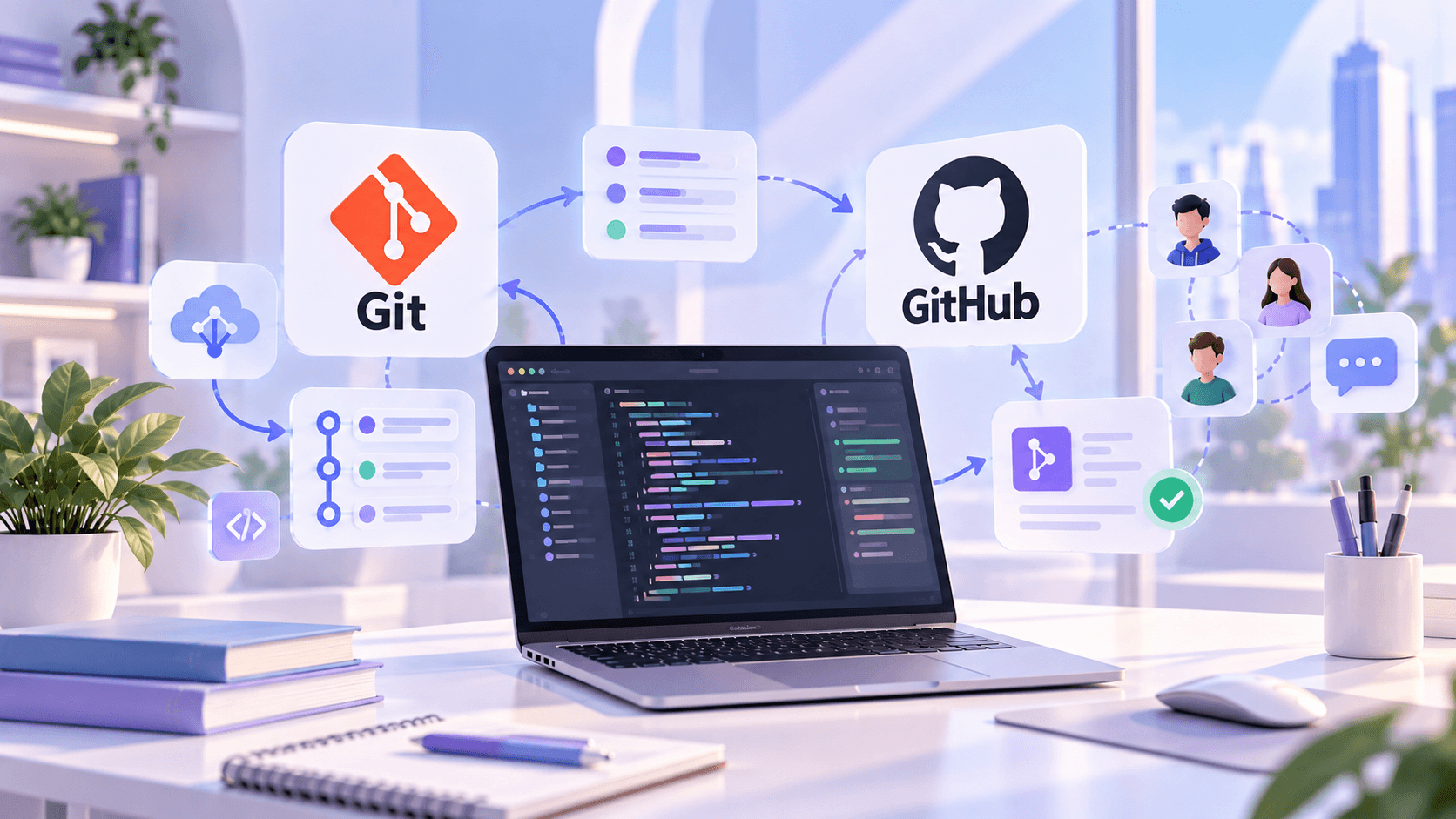
What Are Git and GitHub?
Anyone who wants to build a successful career in programming should learn Git and GitHub. Whether you aim to become a Front-End Developer, Back-End Developer, Full Stack Developer, Data Analyst, or DevOps Engineer, Git and GitHub will become essential tools in your daily workflow.
Git is a version control system that tracks changes in your project, while GitHub is a cloud-based platform used to store, share, and collaborate on Git projects.
What Is Git?
Git is an open-source Version Control System (VCS) that allows developers to manage the history of their code.
With Git, you can:
-
Return to previous versions of your project
-
Track every change made to the code
-
Recover from mistakes quickly
-
Collaborate with a team
-
Develop features in separate branches
For this reason, Git is one of the most widely used tools in software development worldwide.
What Is GitHub?
GitHub is an online platform where Git repositories are hosted and shared.
GitHub enables developers to:
-
Showcase projects in their portfolio
-
Work collaboratively with teams
-
Contribute to open-source projects
-
Review code
-
Create Pull Requests
-
Automate CI/CD workflows
Today, the majority of technology companies use GitHub in their development process.
Git vs GitHub: What Is the Difference?
|
Git |
GitHub |
|---|---|
|
Works on your local computer |
Cloud-based platform |
|
Handles version control |
Enables project sharing and collaboration |
|
Can be used offline |
Requires internet access for online collaboration |
|
Tracks changes |
Facilitates teamwork |
Why Is Git Important?
Key advantages of using Git:
-
Secure code management
-
Complete project history
-
Easy collaboration
-
Branch-based parallel development
-
Merge functionality
-
Conflict management
-
Fast rollback capability
-
Professional development standards
Why Should You Learn GitHub?
GitHub is more than just a place to store code.
It is also used for:
-
Building a developer portfolio
-
Demonstrating projects during job applications
-
Participating in open-source communities
-
Presenting projects to freelance clients
-
Collaborating with development teams
A GitHub profile has become an important part of a developer's resume.
Essential Git Commands
Some of the most commonly used Git commands are:
These commands form the foundation of everyday Git usage.
Typical GitHub Workflow
A professional development workflow usually looks like this:
-
Create a repository
-
Connect the project to Git
-
Write code
-
Create commits
-
Push changes to GitHub
-
Open a Pull Request
-
Perform code review
-
Merge the changes
This workflow is standard in modern software companies.
Who Should Learn Git and GitHub?
Git and GitHub are valuable for:
-
Front-End Developers
-
Back-End Developers
-
Full Stack Developers
-
Mobile Developers
-
Python Developers
-
Java Developers
-
Data Analysts
-
Data Scientists
-
DevOps Engineers
-
QA Engineers
-
Cybersecurity Specialists
Is Git and GitHub Hard to Learn?
Not really. The basics can be learned relatively quickly. With consistent practice, many beginners become comfortable using Git and GitHub within a few weeks.
The key is not just memorizing commands, but understanding how they are used in real projects.
Learn Git and GitHub at Maestro School
At Maestro School, students work on real projects while learning Git and GitHub. The training includes version control, Git commands, branching, creating repositories, Pull Requests, merging, and collaborative development.
These skills help students build a strong portfolio and stand out in future job interviews.
Conclusion
Git and GitHub are fundamental tools of modern software development. Whether you are a beginner or an experienced developer, mastering these technologies will make you more productive, organized, and ready for teamwork.
If you want to build a successful career in IT, Git and GitHub should be among the first technical skills you learn.