


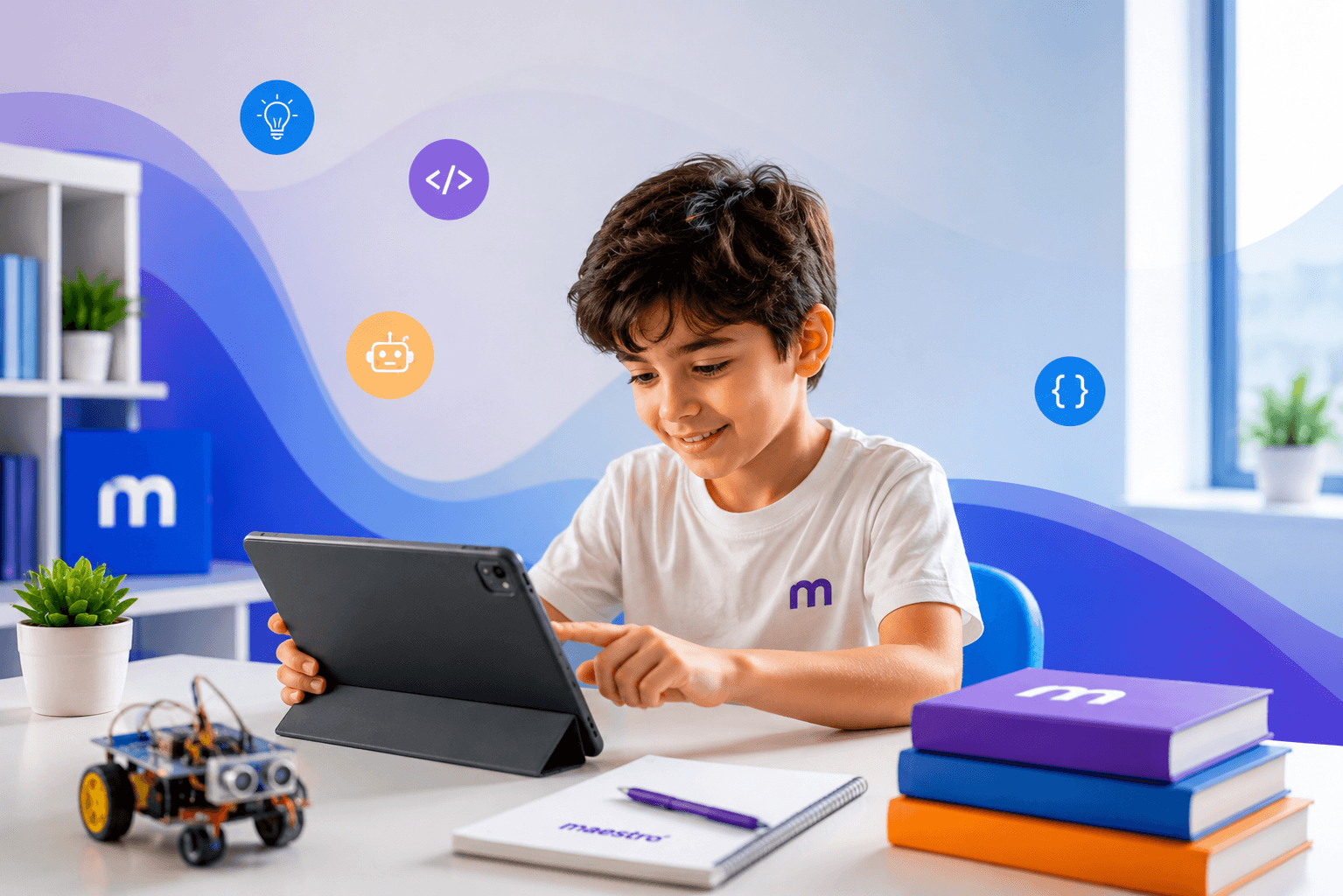
What's your first reaction when your child stares at a screen for hours? Worry? Guilt? You're not alone. But not all screen time is the same — what matters is what your child is doing on that screen.
The Difference Between Passive and Active Screen Time
The time a child spends in front of a screen comes in two forms:
Passive screen time — watching videos, scrolling social media, playing aimless games. Here, the child is only consuming.
Active screen time — writing code, building games, programming robots, designing. Here, the child is creating.
At Maestro School, we see the second type every day. When a 10-year-old writes their own game in Python, when a 12-year-old creates an animation in Scratch — that isn't screen time. That's an investment.
The World Has Already Changed — Is Your Child Ready?
According to Gartner's 2024 report, AI technologies optimize companies' work processes by an average of 37%.
What does this figure mean? It means that in the future, the most in-demand jobs will go hand in hand with technology. Data analyst, AI engineer, mobile app developer, UX/UI designer — all of these professions already exist today, and they grow every year.
To prepare your child for this world, the answer isn't to take the screen away — it's to change what they're doing on it.
What Can Children Learn on a Screen?
Programming — The Alphabet of the Future
Python, Scratch, JavaScript — these aren't just "code"; they're a language for solving problems, building logic, and thinking creatively. Through programming courses for children, students don't just spend time on screens — they build something on them.
Robotics — The Bridge Between the Digital and Physical World
From age 6, children can build robots, control sensors, and think of solutions to real-world problems. Maestro School's students have proven these skills at international competitions like ROBOTEX and NEO Science.
Artificial Intelligence — Tomorrow's Career Starts Today
ChatGPT, DALL-E, Midjourney — not just using these tools, but understanding how they work will set your child apart from their peers in the future. AI courses for kids are no longer the "course of the future" — they're a necessity of today.
Graphic Design and UX/UI — Creativity + Technology
The difference between drawing pictures on a screen and professional design lies precisely here. A child who learns to work with Adobe Photoshop, Figma, and Canva at an early age grows into a rare specialist who combines visual thinking with technical skill.
Is the "My Child Plays Too Much" Problem Really a Problem?
There's no such thing as games being inherently bad — games like Minecraft and Roblox actually develop creativity, strategy, and problem-solving skills. But is your child just playing these games, or can they learn to create similar ones?
In Maestro School's Game Development course, students build, code, test, and reach a level where they can publish their own games to the App Store.
Maestro School — The Place That Turns a Screen into a Classroom
At Maestro School, programming, robotics, artificial intelligence, graphic design, web design, and game development courses are available for children. Every course is:
- Project-based — the child takes something real away from every lesson
- Mentor-supported — a personalized approach for every student
- International curriculum — a program proven at competitions like NEO Science, VILIPO, and ROBOTEX
- Starting from age 6 — starting early means starting strong
Conclusion: Don't Turn Off the Screen — Point It in the Right Direction
Screen time is not your enemy. The enemy is failing to make a choice about what your child does on that screen. Don't take the screen away — point them toward the right screen, with the right knowledge, in the right direction.
If you want to invest in your child's future today, the next step is simple.
Maestro School offers technology-based, creative education!